Table of Contents
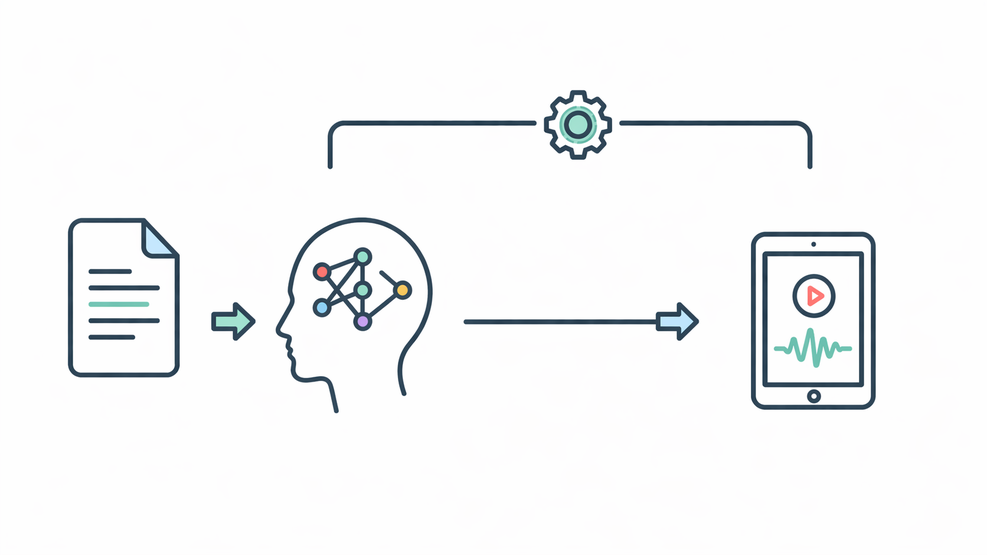
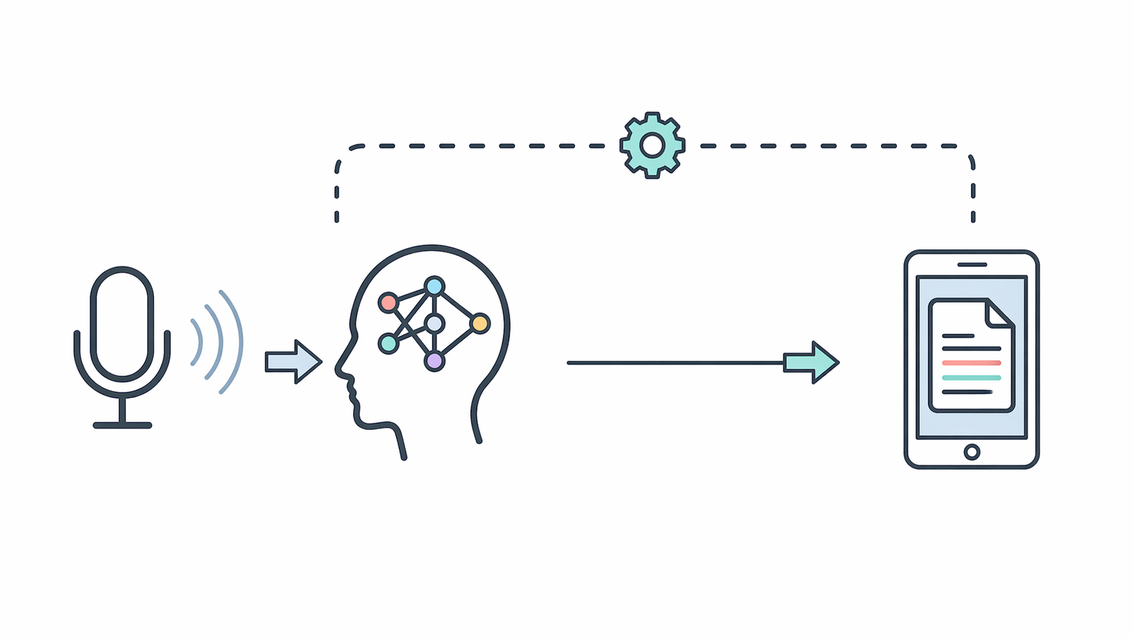
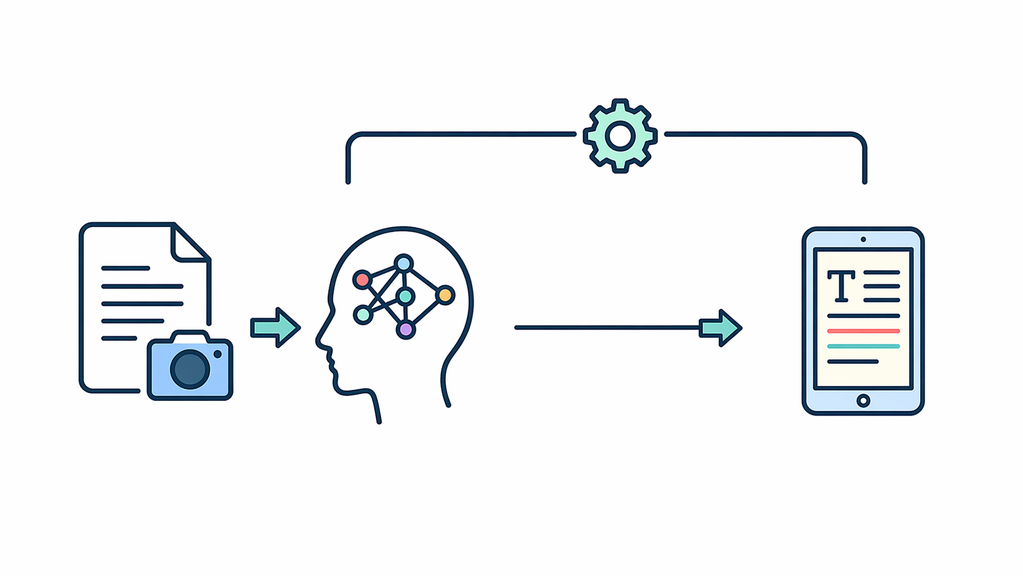
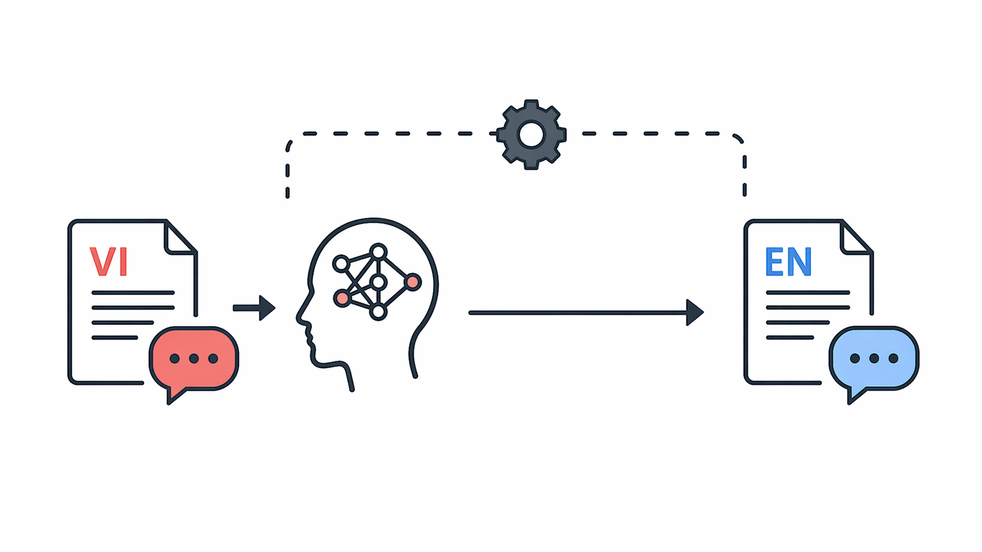
Speech to Text
This module converts uploaded speech recordings into structured text, supporting platform growth as a scalable web system by making spoken information searchable, reusable, and manageable.
Written date: 11/22/2025 15:48:24Digital Suite
Introduction
Speech-to-Text (STT) is a Digital Suite module that converts audio into structured text for notes, reports, support logs, and searchable records. It sits after audio upload and before text review or reuse, helping websites turn voice input into cleaner output for documentation and workflow support.
- Technical context: This workflow includes audio input, speech recognition, text cleanup, and transcript export.
- Technical benefit: It reduces manual note-taking, improves review, and makes spoken information reusable.
Practical Notes
In 2024, while building the Text-to-Speech module, I realized a complete media web system needed the reverse flow too. This Speech-to-Text module converts speech audio into structured text using Conda, Torch, CUDA, and GPU acceleration for heavier transcription. It later became a blueprint for scalable AI-driven audio-to-text processing. Common use cases come next.
Who should use this module?
Users who need clear text from voice recordings for notes or records.
Teams that reuse audio from notes, meetings, or support work.
Web projects that need a simple speech-to-text workflow for content processing.
Module Setup Guide
AI modules can be built in many ways. This section uses module_stt as a simple example so the setup flow is easier to follow. It covers environment setup, model preparation, and service launch.
Step 1: Set up the module environment
This article focuses on the Speech-to-Text workflow, so environment setup is kept brief. The module_stt service uses a separate Conda environment with Torch, Transformers, and audio processing dependencies.
BASH
conda create -n module_stt python=3.10 -y
conda activate module_stt
Next, install the Python packages needed for waveform loading, resampling, and wav2vec2 inference.
BASH
pip install flask flask-cors python-dotenv torch transformers librosa soundfileAfter this step, the environment is ready for the STT module.
Step 2: Build the module
After the environment is ready, place the demo package in your project directory and configure its local settings. It includes the module structure, the Speech-to-Text handler, runtime configuration, and the /module_stt route.
The demo package for this module is available at: Download Module SST.
First, extract the package into your selected project directory, then open the module folder and create a local .env file from the sample configuration.
BASH
unzip module_stt.zip -d <Project_Path>
cd <Project_Path>/module_stt
cp .env.example .env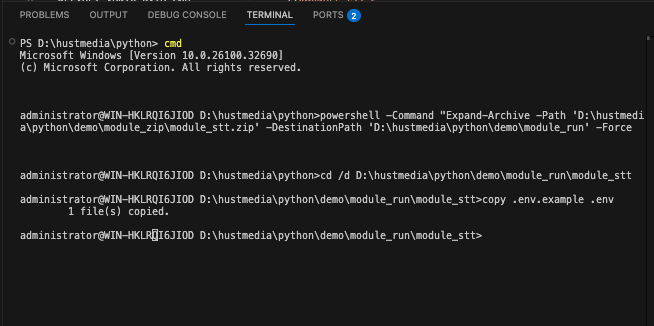
Then, update .env with your own project path, cache path, between-audio path, transcript output path, default input audio path, model name, and available service port.
DOTENV
MODULE_STT_HOST=0.0.0.0
MODULE_STT_PORT=<YOUR_PORT>
MODULE_STT_CONDA_ENV=<YOUR_CONDA_ENV_PATH>
MODULE_STT_CACHE=<YOUR_MODEL_CACHE_PATH>
MODULE_STT_BETWEEN_DIR=<Project_Path>\module_stt\between
MODULE_STT_OUTPUT_DIR=<Project_Path>\module_stt\output
MODULE_STT_BETWEEN_AUDIO_PATH=<Project_Path>\module_stt\between\between.wav
MODULE_STT_TRANSCRIPT_OUTPUT_PATH=<Project_Path>\module_stt\output\transcript.txt
MODULE_STT_DEFAULT_AUDIO_PATH=<Project_Path>\module_stt\input\input.wav
MODULE_STT_MODEL_NAME=khanhld/wav2vec2-base-vietnamese-160h
After these values match your machine, the module is ready to be launched as a local backend service.
Step 3: Start the Module Service
From the module folder, start the service with the main entry file, or use the helper runner when you want the module to launch through the configured runtime.
BASH
python home.py   # starts the Flask module service directly
# or
python run.py    # starts the module through the configured runtime settings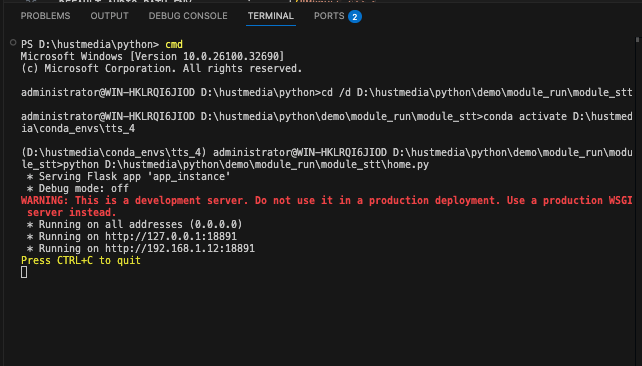
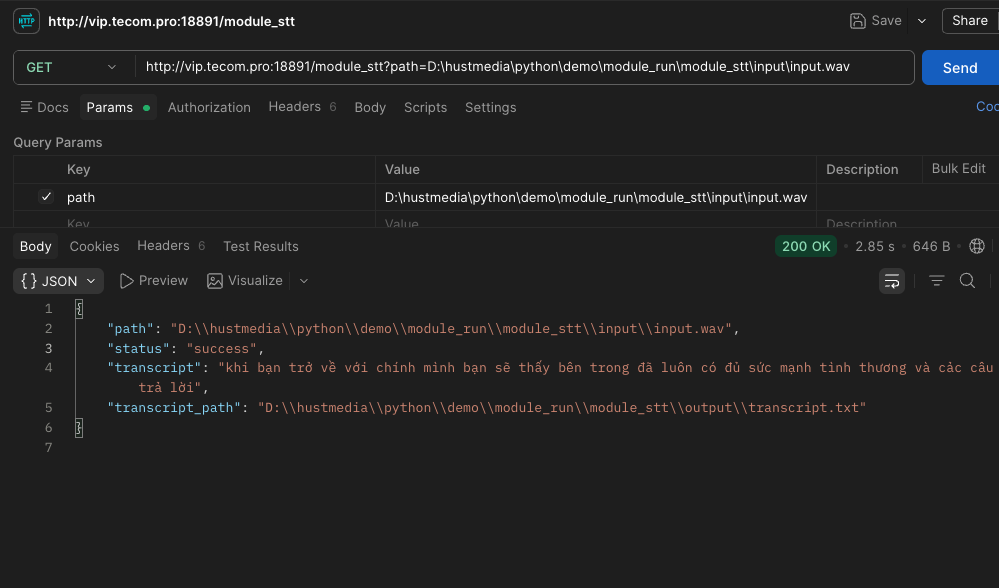
When the service is running, test the /wav2vec2 endpoint with a simple request.
BASH
curl "http://127.0.0.1:<YOUR_PORT>/wav2vec2?path=<Project_Path>/python/module_tts/tts/wav2vec2/run.wav"If the response returns a valid JSON result with the transcript and processed file path, the backend module is ready to connect with the frontend.
How the Speech-to-Text Logic Works for Vietnamese
Short description for the article card
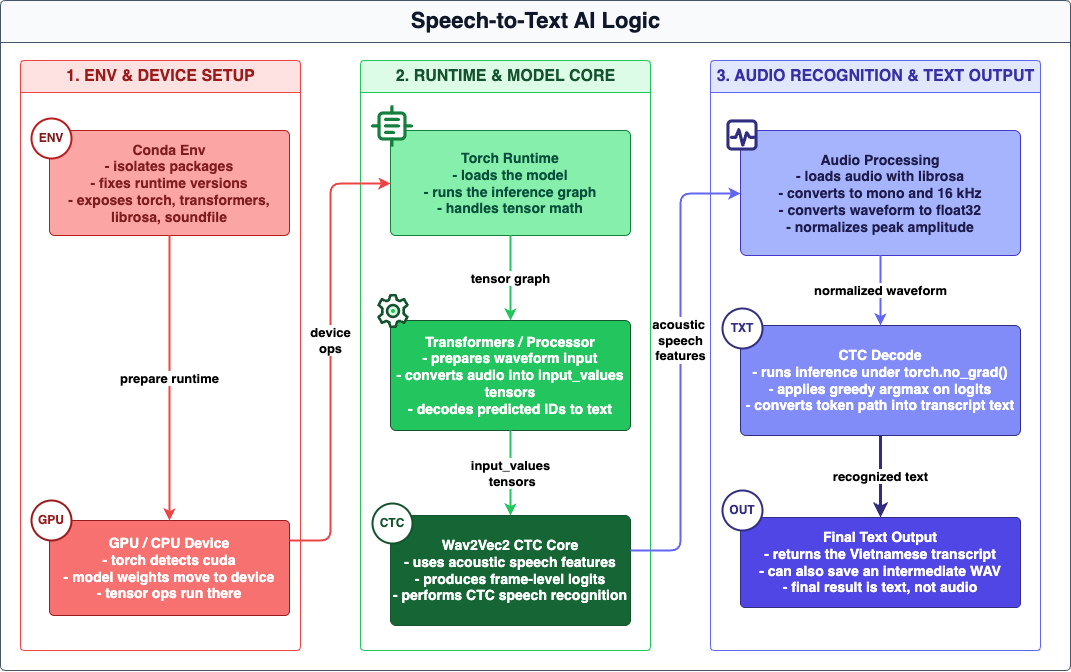
This article explains how my Speech-to-Text module processes Vietnamese audio, from waveform loading and normalization to CTC decoding and text transcription. It also outlines the current model choice, runtime behavior, and practical limits of the audio pipeline I am using now. The diagram below shows the SST runtime flow.
Article body
My Speech-to-Text module is built around a simple Vietnamese ASR pipeline that turns an audio file into text through waveform preprocessing, tensor preparation, and CTC decoding. In the current version, the system reads audio from a local file path, prepares the waveform for inference, and returns the final transcript as plain text output. The focus of this module is the speech recognition path itself rather than a complex serving layer.
The transcription engine uses the Hugging Face model khanhld/wav2vec2-base-vietnamese-160h. Both the Wav2Vec2Processor and Wav2Vec2ForCTC model are loaded once when the module starts, instead of being recreated for each run. The runtime device is selected automatically, using GPU when CUDA is available and CPU otherwise. This makes repeated transcription more stable, although the process keeps model memory resident while it is active.
For audio preparation, the file is loaded with librosa, converted to mono, and resampled to 16 kHz, which matches the model input format. A normalized intermediate WAV file can also be written to run.wav for inspection or reuse. Before inference, the waveform is converted to float32, checked to avoid empty input, and normalized by peak amplitude so the tensor remains numerically stable for the model.
Once prepared, the audio is passed into the processor with sampling_rate=16000, converted into input tensors, and sent through the model under torch.no_grad(). The model produces frame-level logits, which are decoded with greedy CTC argmax and then converted into text with batch_decode. In its current form, this module does not use beam search, VAD chunking, or language-model rescoring, so long recordings are still handled in one pass and may increase latency or memory usage.
This module is mainly intended for practical Vietnamese transcription tasks such as voice notes, internal recordings, support audio, and simple content preparation. It is not designed as a full ASR platform, but as a compact in-house component built around a direct and understandable speech recognition pipeline.
Technical configuration snapshot
CONFIG
Server runtime: `Flask` on `<YOUR_PORT>`
Device selection: automatic `GPU` / `CPU`
Input normalization: mono audio, `16 kHz`
Decode method: greedy `CTC argmax`
Inference mode: `torch.no_grad()`
Main endpoint: `GET`/`POST` `/wav2vec2`
STT model: `khanhld/wav2vec2-base-vietnamese-160h`
Intermediate `WAV` path: `<Project_Path>/python/module_tts/tts/wav2vec2/run.wav`
Current limitation: no chunking, no `VAD`, no beam search
Practical Use
Module Usage Guide
After the technical overview above, this guide explains how to use the Speech-to-Text module with short voice recordings and supported audio files.
1.Upload an MP3, WAV, M4A, or OGG audio file within the duration limit.
2.Click Generate Transcript to process the recording.
3.Review the returned text for clarity, names, and important terms.
4.Use shorter recordings for notes, support logs, or quick reporting tasks.
Use the section below to experience the module directly. Start with a short recording, then adjust the file length based on your workflow needs.
Use the steps below to quickly test this module with your real content.
Audio Transcription
Upload audio to convert it into text
Supported formats: MP3, WAV, M4A, OGG
Duration limit: up to 5 minutes.
No file selected
Sample Inputs
Input: Short voice note. Output: Draft text for reporting.
Input: Customer call recording. Output: Searchable transcript for support history.
Closing Notes
Reader Value
Readers can use this module pattern to turn spoken updates into a more structured text workflow for reporting, documentation, and support tasks. In real projects, that helps reduce manual note-taking, keep transcription handling more consistent, and support stable operation across integrated content flows.
Conclusion
This Speech-to-Text module combines controlled audio input handling, a reusable transcription path, and practical output processing into one maintainable service layer. It keeps the transcription workflow more consistent within the broader system architecture.
By Tín Nguyễn Đăng • Written date: 11/22/2025 15:48:24
Was this content helpful to you?